Online Documents
Documents used to live on our computers—now they live online. In this quick explainer, you’ll learn how local and online documents differ, why it matters, and how online tools make collaboration easier. Whether you're writing notes, sharing slides, or editing a spreadsheet, knowing how to choose and manage documents is a key digital skill. Watch to learn how to work smarter with files in today’s connected world.
Video Details
Standards
Language
About this video
There was a time when documents meant paper. Later, they lived on your personal computer. But today, thanks to the internet, documents can live online—and that’s changing how we work and share.
This video compares two common types of documents:
Local documents that are saved to your computer’s hard drive
Online documents that live on the web and update in real time
We follow a simple example: writing up notes from a meeting. When saved locally, the file exists only on your computer and must be emailed to others—creating multiple versions that are hard to track. If your computer crashes, the document might be lost.
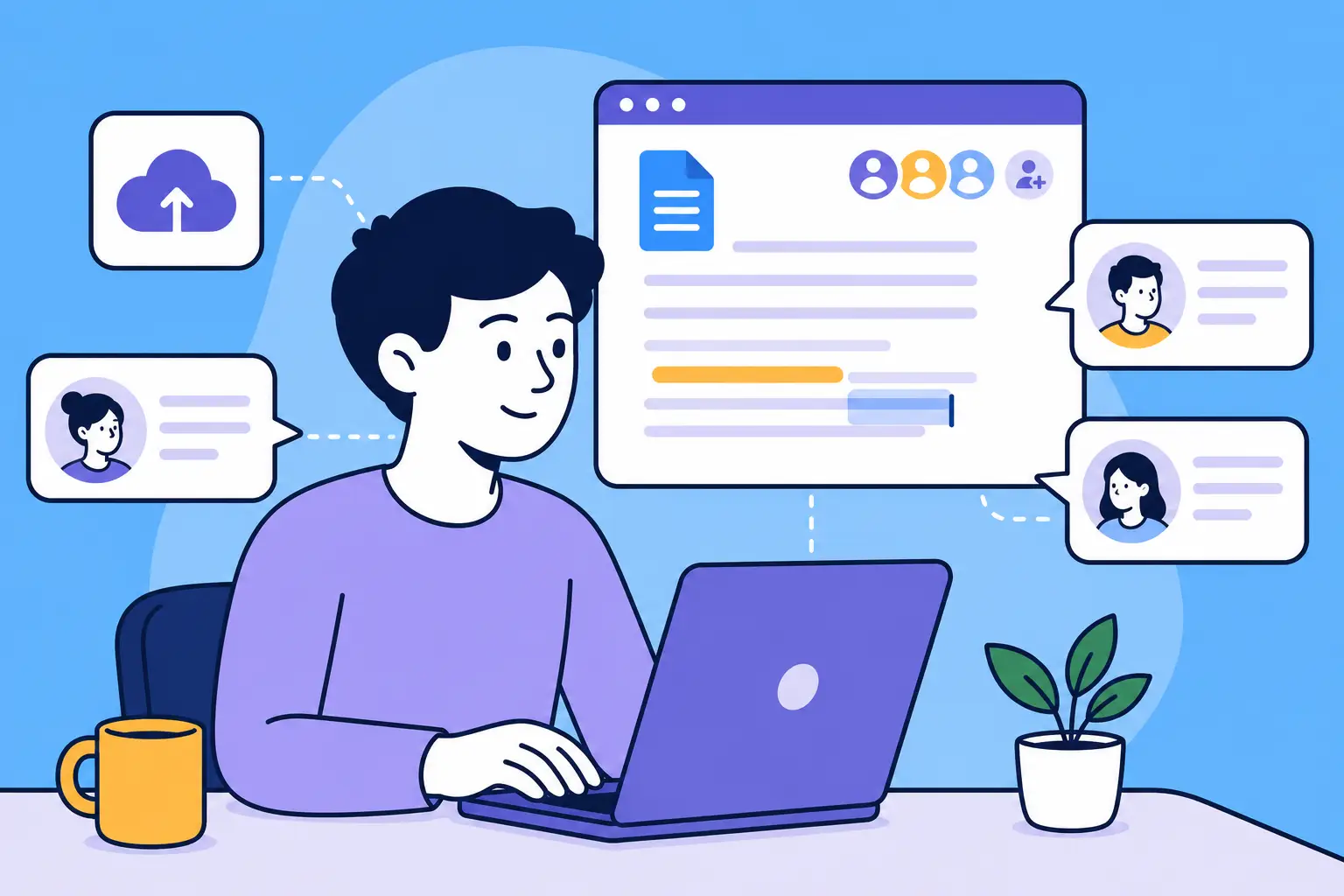
Now contrast that with online documents, which are created and saved through a website. There’s no need to attach files or keep track of versions. You just share a link, and collaborators can edit or comment in real time—all in the same document. This makes teamwork simpler and safer.
You’ll also learn about other types of online files, like presentations and spreadsheets, and how web-based tools allow you to access your documents from anywhere, whether on a laptop, phone, or tablet.
The video closes with an important reminder: both systems still exist, and the right choice depends on your needs.
Educational Standards
Understanding the difference between local and online documents helps you choose the best way to work, save time, and avoid common mistakes. This video empowers learners to collaborate more easily, protect their files, and use modern tools to stay productive from anywhere.
By the end of this video, you’ll be able to:
- Explain the difference between local and online documents.
- Understand the risks of using local files, especially when sharing or editing.
- Create and share an online document using a web-based tool.
- Recognize why online documents make collaboration easier and more efficient.
- Identify different kinds of documents—like notes, slides, or spreadsheets—that can be used online.
Educational Standards
ISTE
The International Society for Technology in Education defines standards for students, educators, and leaders integrating technology into learning.
ACRL
The Association of College and Research Libraries framework identifies the core concepts and practices that define information literacy in higher education.
This video maps to the following standards.
- ISTE Standard: Creative Communicator, Indicator 6a
- ACRL Info Literacy Frame: Information Creation as a Process